
FortiBleed: Firewall Security for Philippine Operations
More than 70,000 Fortinet firewalls were compromised. What the FortiBleed incident means for security at a Philippine operation.


AI Engineer · 36+ years in IT · Japanese, based in Manila for 13+ years
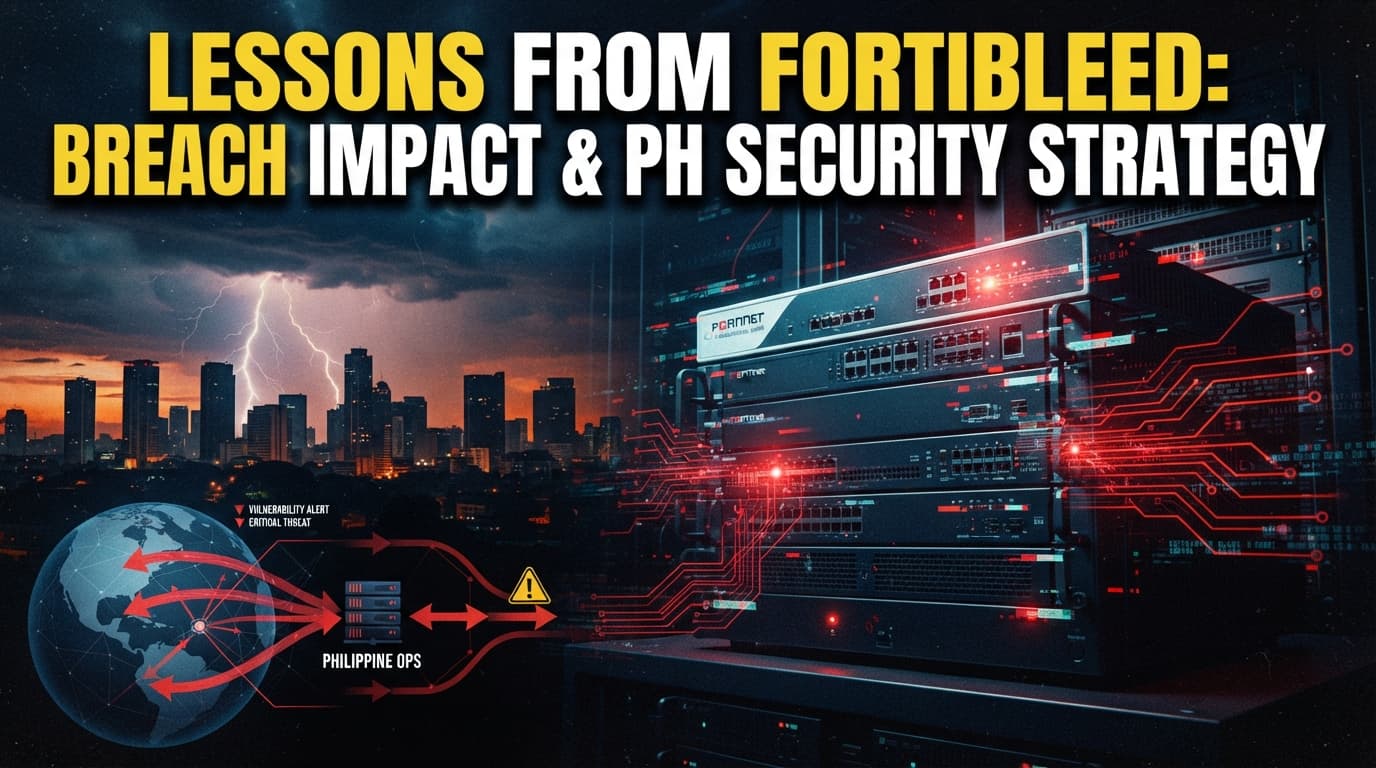
The FortiBleed incident compromised 70,000 firewalls worldwide. It is a useful case for thinking about the credentials that protect your Philippine operations, and about rolling out multi-factor authentication, all grounded in local realities.
Part 1: Why This Matters
Step 1: The Philippine Business Context (3 min)
Most Japanese companies expanding into the Philippines place a defensive device called a "firewall" at the entry point to their local network. Among these, Fortinet's FortiGate product is used in a wide range of settings: call centers, manufacturing plants, the back offices of Japanese firms, and more. This gateway device acts as the first wall that stops attacks coming from outside.
The incident reported here, known as FortiBleed, describes how that wall was breached on a global scale. According to the article, 857 devices in the Philippines were reported compromised, placing the country among the top 30 hardest-hit nations. In other words, this is not a story confined to distant foreign shores.
For Japanese companies and Japanese business professionals living in the Philippines, this incident carries three implications. First, local IT is often left entirely to local vendors (outside contractors), so the company itself frequently has no grasp of the state of its own equipment. Second, once the gateway is breached, attackers can reach the customer data and HR records held inside the company. Third, in the Philippines there is an obligation to report any leak of personal data to the National Privacy Commission (NPC), and a slow response can create problems on two fronts: corporate trust and legal compliance.
"Did you see the news last week? Apparently more than 70,000 Fortinet firewalls were hijacked worldwide. They say 857 of them in the Philippines were among the victims. Do you know when we last updated the device at our Manila site? Let's have our local IT vendor check on it today."
Picture yourself exchanging these words with a colleague in your Manila office. That single remark can be the first step toward protecting your company.
Step 2: Key Points from the Original Article (5 min)
We have summarized the facts reported in the original article in a table for study purposes. The figures and company names are based on the article.
| Aspect | Key point |
|---|---|
| Scale of the incident | 73,932 firewall URLs were compromised across 194 countries, and 21,632 domains were affected |
| Share of the total | Said to amount to roughly half of all internet-connected Fortinet devices |
| Total volume of attacks | Around 1.16 billion brute-force attempts against more than 320,000 FortiGate devices, and around 2.1 billion against more than 160,000 MSSQL servers |
| The attackers | A Russian-speaking criminal group made up of multiple members |
| Main method | Extracting the devices' configuration files and cracking passwords with a rig of 45 image-processing chips (GPUs) lashed together |
| Post-attack movement | After breaching the gateway, intruding into the company's internal user-management system and lurking there |
| Nature of the weakness | Devices that stored passwords using an older method (SHA-256) were easier to crack |
| Examples of affected companies | Foxconn, Samsung, Comcast, Siemens, Lenovo, PwC, Accenture, Oracle, and many others |
| Confirmed serious damage | Full intrusion confirmed in Japan, Taiwan, Vietnam, Iraq, and Turkey |
| Damage in the Philippines | 857 devices compromised, placing the country among the top 30 hardest-hit nations |
| Publication date | June 17, 2026 |
This table was created for study purposes based on facts from publicly available information. For details, please check the original article at the link above.
Related: Kali365: Phishing That Bypasses MFA on Microsoft 365 explains this in detail.
Step 3: Comprehension Check (5 min)
These questions test your understanding of the article. Think them through before reading on.
Q1. The firewalls compromised this time are said to represent roughly what share of all internet-connected Fortinet devices? Hint: The article describes it as "roughly half."
Q2. What was the dedicated rig of about 45 units that the attackers used to crack passwords? Hint: It is a computing device built by lashing together large numbers of chips originally used for image processing.
Q3. Even for those who had set strong, complex passwords, what was the main reason they were still broken in this attack? Hint: Pay attention to the fact that the passwords were stolen in plaintext (the raw, unencrypted character string).
Q4. How many devices were reported compromised in the Philippines? Hint: The figure is in the 800s.
Q5. Among the countermeasures the article recommends, which mechanism can render a stolen plaintext password useless? Hint: It is a mechanism that requires a second proof of identity in addition to the password.
Related: Megalodon: GitHub Supply-Chain Attacks on Dev Sites explains this in detail.
Part 2: Putting It Into Practice
Step 4: Steps for Rollout in the Philippines (10 min)
Drawing on this incident, here are the steps for shoring up your defenses at your Philippine site. You don't need to make everything perfect at once. Work through them in order, from the top.
| Step | What to do | Philippine-specific notes |
|---|---|---|
| 1. Inventory your devices | Identify every FortiGate device at your Manila site and check whether the management screen is exposed to the outside network | If you have left everything to a local vendor, get a documented list of the devices and where they are installed. Don't rely on verbal confirmation alone |
| 2. Update and re-log-in | Update to the latest FortiOS (the device's base software), and have every administrator log in again after the update to re-save passwords using a secure method | Communications may be temporarily cut off during the update. In areas with frequent blackouts, check beforehand that your uninterruptible power supply (UPS) is working |
| 3. Roll out multi-factor authentication | Make a second form of verification, beyond the password, mandatory for external connection points and the management screen | You can start from a scale of a few hundred pesos per person per month. Set aside time to explain how to use it to local staff in their own language (Tagalog or English) |
| 4. Monitor for leaked credentials | Periodically check whether account information for your company or your business partners is already circulating | It is important not to leave the accounts of departed employees or high-turnover local staff unattended. Establish a procedure to disable them immediately upon departure |
| 5. Clarify contracts and division of responsibility | Put in the contract, in writing, who performs updates and who reports in the event of an incident | In the Philippines, verbal agreements tend to come first. Always put things in writing and obtain both parties' signatures |
As a rough budget guide, starting with the rollout of multi-factor authentication and updating your devices lets you produce results at relatively low cost. We recommend firming up these basics before making any large capital investment.
Related: Lessons From the Anthropic "Mythos" Unauthorized-Access Incident: AI Security for Japanese Companies in the Philippines explains this in detail.
Step 5: Common Mistakes and How to Avoid Them (5 min)
Here are three patterns that people tend to stumble into when tackling this topic in the Philippines.
Mistake pattern 1: "Leaving it all to a local vendor and not knowing the state of your own devices"
Bad example: Entrusting all device management to a local contractor and continuing operations without even knowing when the device was last updated.
Good example: Receiving a device list and update records from the contractor each quarter, and reviewing the contents at your Japanese head office as well. The responsible person's name is also stated explicitly in the contract.
Mistake pattern 2: "Relying on password complexity alone"
Bad example: Assuming you are safe because you require complex passwords of more than 20 characters, and putting all other measures on the back burner.
Good example: Understanding that complexity is useless once a password is stolen in plaintext, and always combining multi-factor authentication with external connection points.
Mistake pattern 3: "Waiting for a head-office decision on reporting a leak, so notification to the NPC is delayed"
Bad example: Even when an incident such as a data leak is suspected, waiting first for instructions from the Japanese head office and putting local reporting on the back burner.
Good example: Knowing that when personal data is involved, notification to the Philippine National Privacy Commission (NPC) is generally required within 72 hours, and deciding in advance on a procedure to begin the initial response locally.
Part 3: Going Deeper
Step 6: Related Technical Terms (5 min)
Here we lay out the key terms that appear in the article, in plain language.
An SSL VPN is a secure passageway for connecting from outside the company to the internal network in a way that prevents the contents from being read. In this attack, the identity-verification information for this passageway was targeted. In Philippine call centers, it is commonly used when work-from-home employees enter the company's systems from home, which makes clear how important it is to protect the gateway.
A brute-force attack is an attack that tries every conceivable password in turn, repeating until one hits. This time, 1.16 billion attempts were made against 320,000 devices. Even small and midsize Japanese companies in the Philippines risk being exposed to these automated attacks every day if their management screen is visible from outside.
Active Directory is the foundation, like a company roster, that centrally manages employees' IDs, passwords, and the scope of what they can access. After breaching the gateway, the attackers tried to intrude here and lurk for a long time. If your Manila site centrally manages all employees' accounts here, losing control of it can cause the damage to spread all at once.
Multi-factor authentication (MFA) is a mechanism that requires a second form of verification in addition to a password, such as a notification to your smartphone or a one-time number. With it in place, even a stolen password makes intrusion easier to prevent. In the Philippines, it is widely used in banking apps and other services, so it is a measure that local staff tend to find relatively easy to accept.
Info-stealer malware is malicious software that secretly extracts stored passwords and login information from infected devices. The stolen information is then reused in attacks like this one. In workplaces where the habit of accessing company systems on personal computers persists, such infections can easily become the entry point for a leak, so caution is needed.
Step 7: Thinking About How This Applies to Your Company (10 min)
We've prepared three topics you can use for team discussion. Each comes with hints and an action you can take right away.
Who manages your perimeter-defense devices?
Discussion hint: Is there anyone in your company who can immediately name the model and last update date of the firewall at your Manila site? If no one can answer, that itself is a signal that a review is needed.
Next action: Contact your local IT staff or vendor and get, in writing this week, a list of the devices you have installed and the most recent update records.
Breaking free of password dependence
Discussion hint: If your company's passwords had leaked out in plaintext, could your current defenses stop an intrusion? If not, think about what you would need to add.
Next action: Pick one external connection point that does not yet have multi-factor authentication, and draw up a plan to roll it out by next month.
The initial response when a data leak occurs
Discussion hint: If a leak came to light right now, who would move, and in what order? While waiting for instructions from the Japanese head office, might you blow past the Philippines' 72-hour deadline?
Next action: Compile the local initial-response procedure into a one-page response sheet and keep it somewhere the relevant people can see it at any time.
Part 4: FAQ
Q1. Could even a small site in the Philippines really be a target of this attack?
Yes. This attack did not target only specific large corporations; its method was to automatically and exhaustively scan for Fortinet devices exposed on the internet. The article reports that 857 devices in the Philippines were compromised. Regardless of size, assume you are a target if your management screen is visible from outside.
Q2. If a leak is suspected, where do you need to report it in the Philippines?
When personal data is involved, you must notify the Philippine National Privacy Commission (NPC). The Philippines' Data Privacy Act requires reporting, in principle, within 72 hours of becoming aware of the harm. Because the deadline and point of contact differ from Japan's reporting system, prepare a separate local procedure.
Q3. We leave it to a local IT vendor — what should we check?
First, confirm in writing the list of installed devices and the date they were last updated. Next, ask whether the management screen is exposed to the outside network. We also recommend putting in the contract, in writing, who will contact the Japanese head office in the event of an incident.
Q4. If we introduce multi-factor authentication (MFA), won't it bring local staff's work to a halt?
Some people are confused at first, but in the Philippines the same mechanism is widely used in banking apps and the like, so many are already accustomed to it. Before rolling it out, hold a short briefing in their own language and walk them through the steps while showing the actual screen, and you can avoid confusion. Rather than worrying about downtime, consider the greater benefit of preventing an intrusion you couldn't otherwise stop.
Q5. Can we just apply our Japanese head office's security standards as-is?
The basic thinking carries over, but some parts won't fit as-is. In the Philippines, blackouts are frequent, verbal agreements tend to come first, and staff turnover is high. The reporting destination and deadlines also differ from Japan's. Use the head office's standards as a foundation, but rebuild the procedures to fit local conditions.
Tips for Putting This to Use (3 Tips)
First, compile "your gateways" into a single table Before you firm up your defenses, you need to know what is where. For the firewalls at your Manila site, compile the model, installation location, last update date, and responsible manager into a single table. The more blanks you find as you write it out, the stronger the signal that a review is urgently needed.
Add verification beyond the password, starting with external gateways This incident showed that complex passwords alone cannot protect you. You don't need to change everything at once. Prioritize the gateways accessible from outside and add multi-factor authentication one at a time. By protecting the most dangerous spots first, you get a big effect for little effort.
Build a mechanism so the initial response to a leak doesn't wait on head office The Philippines has a 72-hour reporting deadline. So that you don't blow past it while waiting for instructions from the Japanese head office, decide on an initial-response procedure that can be started locally on its own. It's important to put who does what, and in what order, into a single procedure sheet that everyone involved can see.
Bonus: How to Make Use of PH AI Works
PH AI Works is a company that supports the use of AI and technology in the Philippines. In the fields touched on here — network defense, monitoring for leaked credentials, and training local staff — we can help in ways grounded in local realities. We serve as the bridge between your Japanese head office's policies and on-the-ground practice in the Philippines.
As a next step, you can consult us on things like the following:
- Organizing where to start when reviewing the management status of the defense devices and accounts at your Manila site
- How to roll out multi-factor authentication and leaked-credential monitoring with a reasonable budget and procedures
- Creating briefings and materials to convey security basics to local staff in their own language
Please feel free to get in touch. The initial consultation is free.
References and Sources
About the author
Founder / AI Engineer (36+ years in IT)
- ●From Tokyo · based in Manila for 13+ years
- ●36+ years in IT (development, SEO, AI)
- ●IBM Certified Generative AI Engineer
- ●AI chatbots, RAG & AI agent development
A Japanese AI engineer with 36+ years in IT and 13+ years on the ground in the Philippines. I write from hands-on experience to help Japanese companies adopt AI that actually delivers results — chatbots, workflow automation, AI agents, and AI-driven marketing. Feel free to reach out in Japanese or English.
Free AI Consultation
Tell us your challenges and we'll propose the right AI adoption plan for your business.
Book a Free 30-Minute ConsultationRelated Articles
AI Model Vendors Now Sell Implementation Too
OpenAI and Anthropic now sell implementation as well as models. What a local subsidiary should decide about that.
8/18/2026
Contracting for AI While Prices Keep Falling
Write a model number into the contract and it is obsolete in six months. How to design for switching instead.
8/17/2026
Meta Cut 750,000 Under-16 Accounts in Australia
AI-assessed age checks removed 750,000 accounts overnight. What that says about depending on platforms for reach.
8/16/2026
When an AI Calls Your Shop to Ask About Stock
AI now phones shops on a buyer's behalf to check stock. What to decide on the receiving side before it reaches you.
8/15/2026

Handling News That Is Not Settled Yet
A reported $6 billion acquisition talk is not a completed deal. How to act on industry news before it is confirmed.
8/14/2026

What a 69-Page AI Report Does Not Show
Frontier firms are reported 8.3x ahead, yet a table on page 35 shows no statistically significant link to revenue.
8/13/2026